


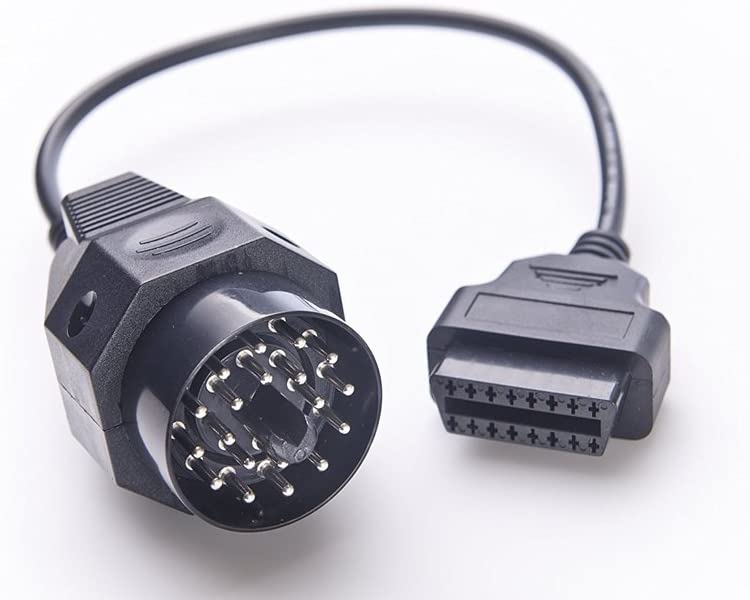


- Works on All BMW with 20 PIN Diagnostic Connector
- Connector: BMW 20Pins male connector, OBDII 16pins female connector
- It is only one piece of BMW 20PIN Connector adapter cable in the package, this cable can works with creator c110 or c310 BMW scanner for scanning old BMW vehicles with 20pin connector
- 20Pin to OBD II 16Pin connector cable could connect BMW to the car reader for car inspection
- Note: The item is just an adapter, NOT a scanner. Package included: 1* BMW 20Pin to 16Pin OBD2 Adapter
- Check your driver's side strut tower for OBD1 Port. If there you would need to connect through the OBD1 Port.
Customer Reviews
Still relevant in 2026. Using on BMW Z3. The driver install on Windows 11 was HARD but if you read the instructions and know how Windows Drivers and Device Manager work, you can do it. The “Readme!!!!!” File has some of the cheat codes to help get it installed. It would be nice if there was an updated Windows 11 instructions, the seller could include that easy in 2026 the year of AI, I suggest they made an updated PDF user-friendly with the how-to install for more novice users. But if you’re a Windows veteran you can do it. Good software.
My only gripe is 1) It sat with a tracking number and not dropped off for a week, not the end of the world, and 2) It ships with 1.4.0.6 and the newer version is 1.4.0.9. I emailed seller on both and never heard back either time. If you need support I’m not sure if you’d be left on read like I was but I did get the product and it did work. In retrospect I’d probably go a cheaper route.
Looking back, I'm not sure I'd pay the premium price again. I assumed paying more meant a smoother installation experience, more up-to-date software, and responsive support. Since help sessions were advertised as part of the deal. Instead, it felt like I was mostly on my own. But I ended up making it work.
The scanner was really straightforward and setting it up on most of the operating systems were easy
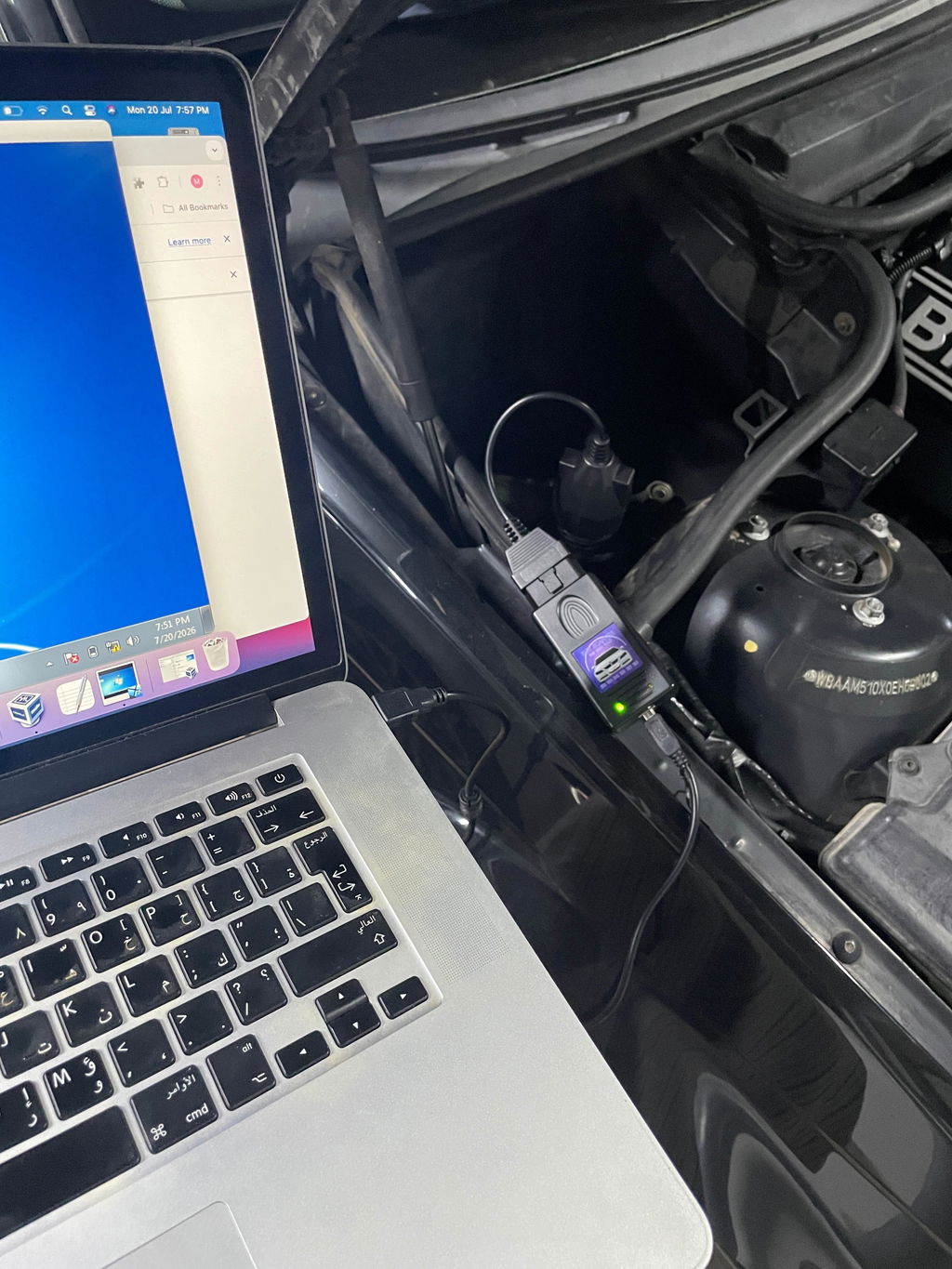
Bought an old laptop with Windows 7 just for this. The install of drivers and getting the software open was really easy and straight forward.